
Download Bubble APK – spirit level, level app, free app, Android, mobile tool, DIY, construction, builder, handyman, phone tool, digital level
Overview
Bubble is a free Android application designed to serve as a digital spirit level, offering a practical solution for users who need to measure surface flatness on the go. The app is particularly useful for individuals working in the construction trade, DIY enthusiasts, or anyone requiring quick and accurate leveling checks without relying on physical tools. By utilizing the built-in sensors of an Android smartphone, Bubble transforms the device into a reliable measuring instrument capable of detecting whether a surface is perfectly level.
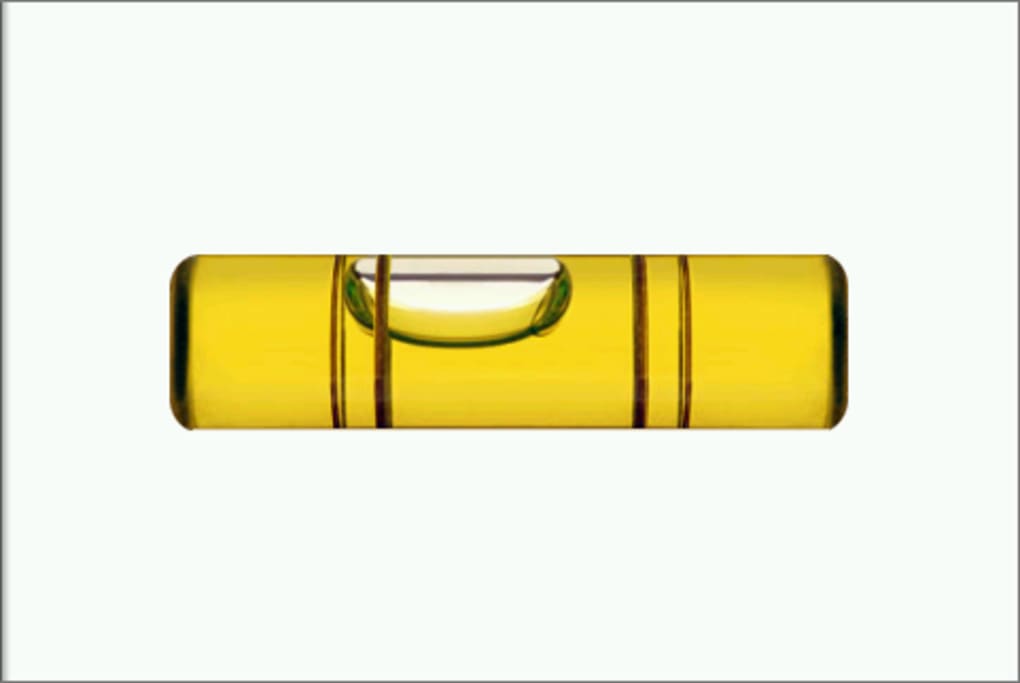
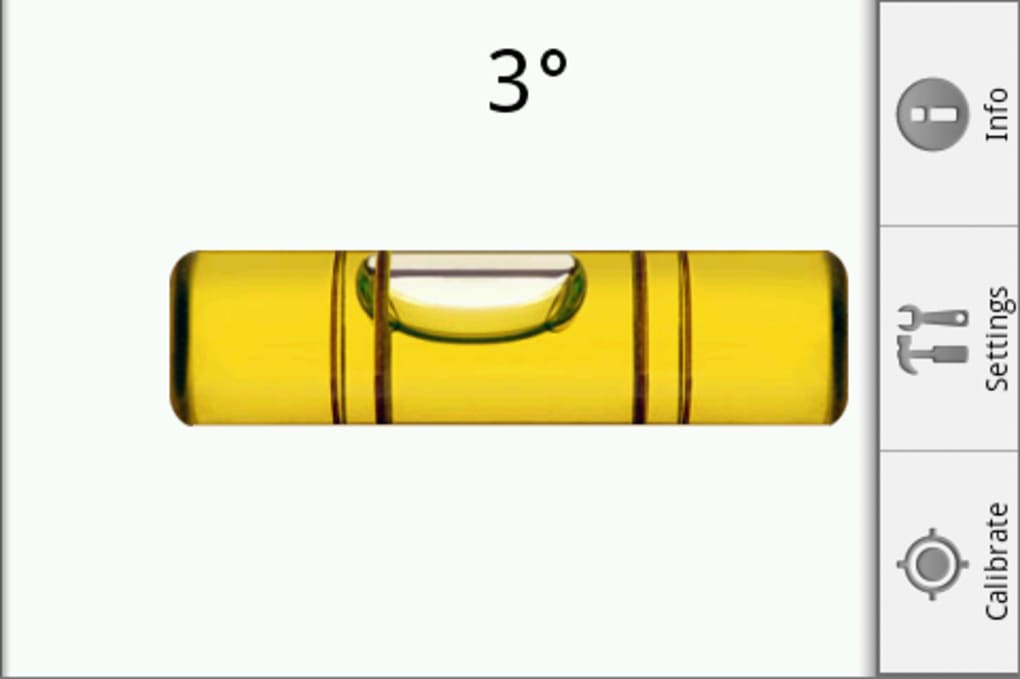
Users can place their phone against a surface, either by resting an edge or laying the device face up, and observe the movement of the digital bubble within the app’s interface. When the bubble is centered, the surface is level. If the bubble shifts to one side, it indicates the degree and direction of tilt. The app supports multiple orientations, allowing users to use any side of the phone depending on the task at hand. This flexibility enhances usability across various real-world scenarios, such as hanging shelves, installing tiles, or checking the alignment of furniture.
The developer, Bubble, has focused on simplicity and functionality, ensuring the app remains lightweight and accessible. While specific details about the developer’s background are not available, the app’s consistent updates suggest ongoing maintenance and user-focused development. The tool is especially valuable in situations where carrying a physical level is impractical or inconvenient.
Key Features & Capabilities
- Digital Spirit Level – Uses the phone’s accelerometer and gyroscope to detect tilt and display a real-time digital bubble, providing immediate visual feedback on surface alignment.
- Multi-Side Usage – Allows users to measure angles using any edge or face of the phone, increasing versatility in different positioning scenarios.
- Calibration Function – Enables users to calibrate the app by placing the phone on a known flat surface, ensuring accurate readings and compensating for sensor drift.
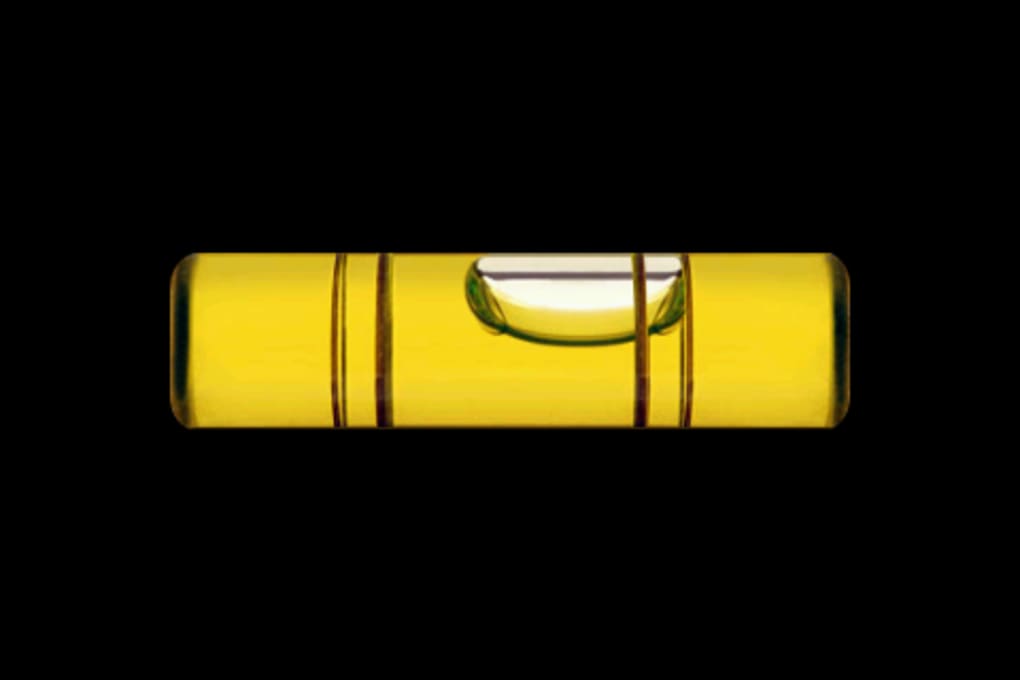
- Customizable Display – Offers options to show numeric angle values, switch to a black background, and enable visual or audio cues for level detection.
- Audio Feedback – Includes beeps or buzzers that activate when the surface reaches a level state, useful for hands-free operation.
- High-Precision Mode – Provides angle measurements with one decimal place for more accurate readings in precision tasks.
- Orientation Lock – Allows users to lock the display orientation, preventing screen rotation during use and maintaining consistent viewing.
These features make Bubble suitable for both casual and professional applications. For instance, a DIY user can quickly check if a picture frame is straight, while a builder may use it to align wall studs or install countertops. The ability to calibrate ensures reliability, and the customizable settings allow users to tailor the experience to their preferences. The inclusion of high-precision angle display supports detailed work, such as crafting or fine carpentry.
User Interface, Workflow & Performance
The user interface of Bubble is clean, minimalistic, and designed for intuitive operation. The main screen features a large circular display with a centered digital bubble, surrounded by a simple gauge that visually represents tilt. Navigation is straightforward—users simply open the app, place the phone on a surface, and monitor the bubble’s position. The app does not require complex setup or extensive training, making it accessible to users of all skill levels.
Workflow efficiency is enhanced by the app’s responsive design and real-time sensor updates. Users can switch between different modes—such as enabling audio feedback or viewing numeric values—through a simple settings menu. The interface remains stable during use, with no reported lag or crashes in typical scenarios. However, exact performance details such as CPU or RAM usage were not specified by the developer.
Stability appears to be well-maintained, as evidenced by regular updates addressing known bugs, including orientation issues on tablets and installation problems on certain devices. The app’s lightweight size of 1.2 MB contributes to fast loading times and minimal impact on device resources. General software behavior patterns suggest efficient background operation, though specific resource usage data is not available.
Compatibility & System Requirements
Bubble is designed for Android devices and is compatible with a range of smartphones and tablets running the Android operating system. The app supports installation on internal storage or, in newer versions, on external SD cards. This flexibility allows users with limited internal memory to install the app without impacting device performance.
The software version is 2.0.1, released on February 20, 2014, and the file size is 1.2 MB. While the developer did not specify exact hardware requirements, the app’s lightweight nature suggests it can run on most Android devices released around that time. Compatibility with newer Android versions is implied through updates that improved support for Honeycomb and other system versions.
Exact system requirements were not listed. Platform compatibility information is limited to the Android OS and the ability to install on SD cards. Users should ensure their device has a functioning accelerometer and gyroscope for optimal performance. The developer did not provide additional system requirements.
Pros and Cons
Pros
- Free to download and use with no in-app purchases
- Lightweight at only 1.2 MB, suitable for older or low-storage devices
- Accurate measurements when properly calibrated
- Supports multiple phone orientations for flexible use
- Includes high-precision angle display with one decimal place
- Offers audio and visual feedback for hands-free operation
- Regular updates address bugs and improve compatibility
Cons
- Limited customization options for the bubble’s color or liquid appearance
- Background options are basic and not highly customizable
- No support for iOS or other platforms
- Outdated release date may raise concerns about long-term support
- Exact system requirements were not specified
FAQ Section
Is Bubble available for iOS devices?
Bubble is currently designed exclusively for Android. There is no official version available for iOS or other operating systems.
Can I use Bubble without an internet connection?
Yes, the app functions fully offline. It relies solely on the phone’s internal sensors and does not require an internet connection to operate.
How do I calibrate Bubble for accurate readings?
To calibrate, place your phone on a known flat surface, then tap the Calibrate button in the app settings. Repeat this process for each side of the phone to ensure consistent accuracy.
Does Bubble use my phone’s battery quickly?
The app is lightweight and uses minimal battery power. However, continuous sensor usage may contribute to slightly higher battery consumption during extended use.
Is Bubble safe to download and install?
Yes, Bubble is a free app distributed through official Android channels. It does not contain malware or intrusive permissions. As with any app, users should download from trusted sources to ensure security.
Final Thoughts
Bubble remains a reliable and practical digital level tool for Android users. Its combination of accuracy, simplicity, and affordability makes it an excellent choice for DIYers, builders, and hobbyists who need a quick way to check surface alignment. Despite its age and limited customization, the app continues to deliver consistent performance through regular updates and user-focused improvements.
While it lacks support for newer platforms and advanced visual options, its core functionality is robust and well-executed. For anyone seeking a free, lightweight, and dependable leveling solution on their smartphone, Bubble offers real value. The ability to calibrate, use multiple orientations, and access high-precision readings enhances its utility across a wide range of tasks.
Download Bubble APK now





.png)

